Delete Your Account
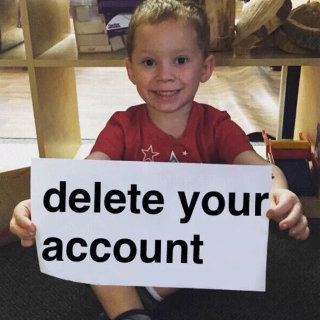
Image of Gavin, a kid, smiling and holding a sign that reads "Delete your account".
https://cdn.discordapp.com/stickers/916767374823288873.png
From the server

How to use the Delete Your Account sticker
- Open the sticker picker in any channel on Call of Duty: Mobile and pick Delete your account.
- Sending it on other servers or in DMs needs Discord Nitro.
- To add it to a server you manage, download it, then open Server Settings → Stickers → Upload Sticker. Discord takes PNG, APNG and GIF files up to 512 KB.


