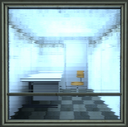
Observation Room
:Observation_Room:
https://cdn.discordapp.com/emojis/871804487768113172.png
How to use :Observation_Room:
- Type
:Observation_Room:in any channel on Portal Community to post it. - Using it on other servers or in DMs needs Discord Nitro.
- To add it to a server you manage, download the PNG, then open Server Settings → Emoji → Upload Emoji. Discord takes PNG, JPG and GIF files up to 256 KB.
